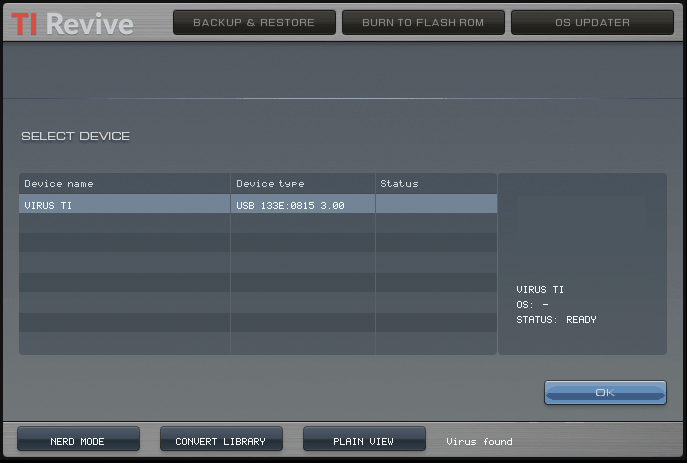
“Virus TI not connected”
Only one driver can use the USB interfaces of the Virus. Old Access drivers, or third-party ones like the driver of
another Virus editor, take them first. Disable the other driver and restart; on macOS the setup script offers to
park the known ones.
Connected, but no sound
The Virus decides per part where its sound goes. Switch the part's output to “Out 1” and back to
“USB 1” in the plug-in to send the setting again. On macOS also check that your DAW may use the
microphone. On Linux, if notes and knobs work but no audio comes over USB, connect the Virus directly to the
computer, not through a USB hub.
Three separate outputs (USB 3)
PATCH UTILITY › Preferences › “Input and Output Configuration” = “3 Outs / No
Input”. Then a part's output can be “USB3 L+R” and its sound comes out of the plug-in's Out 3.
In Ableton: an audio track with Audio From = the Virus track, Out 3, Monitor In. In Logic: insert the plug-in as Multi-Output, set “3 Outs / No Input”, and add the extra channel strips with the + in the Mixer. Checked on rc3 with a TI2 Desktop and the Audio Unit, by ear and Logic's meters; not on a Snow.
Process audio through the Virus (sidechain input)
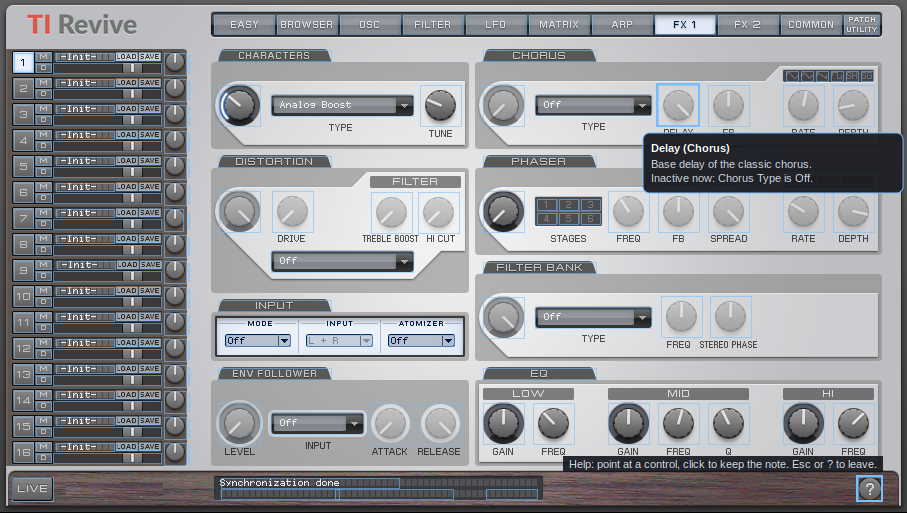
Like the original, the plug-in can send audio from your DAW into the Virus: set “Input and Output Configuration” to “3 Outs / 1 Input”, and on the FX 1 page set a part's Input Mode to Static (always on) or Dynamic (played with notes) and Select to L + R. Then send an audio track to the plug-in's sidechain input; the part's filters and effects process it. In REAPER, give the Virus track 4 channels and send the audio to channels 3/4 (check in the pin connector that they feed Sidechain 1/2). In Ableton Live, pick the audio track in the device's Sidechain section. In this mode the Virus does not work as a sound card for your computer. Tested on Linux (REAPER), macOS (Ableton Live 12) and Windows 11 (Ableton Live, in a VM and on a real PC).
Projects bring back every patch setting
Older versions saved the parts in a format the Virus converts itself, and it reset about 20 newer settings on
loading: Input Mode, unison, arpeggiator mode, chorus type, envelopes 3 and 4 and more. Projects now keep the
current format (0.8.18); older projects are converted when they open, and settings that never reached the Virus
open as the Virus played them. A new project's chorus shows “Classic”: that is what the Virus makes of
the original's Init patch.
When the Virus is missing
Switched off or unplugged, the editor shows the original's “No Virus TI can be found” page and the
page tabs are locked, as in the original. The page goes away by itself when the Virus is back. Do not follow its
advice to hold ARP EDIT while switching the Virus on; TI Revive does not need that.
Export and freeze without a workaround
The original refused offline rendering, so you had to find your DAW's real-time render setting or record the
Virus live. TI Revive supports it: when your DAW renders offline (export, freeze, offline bounce), the plug-in
holds each block until the Virus has made its sound. The render is right, but not faster than the song: the
Virus plays in real time. Right after a project opens, the render first waits a few seconds for the Virus.
REAPER on Linux: stay in REAPER while a render runs
REAPER 7.82 on Linux can crash right after a render from the render dialog if another program had the focus
when the render window closed, for example when you clicked into a terminal or a browser during the render.
Two short freezes in the same tests were probably the same bug (not measured). This is a bug in REAPER's
window layer, not in TI Revive: it happens with REAPER's own ReaSynth as well, without TI Revive in the
project. Until Cockos fixes it, stay in REAPER until the render window has closed.
REAPER: a part's volume jumps to the maximum at Stop
If your MIDI items contain volume controllers (CC 7, as many imported MIDI files do at the start), REAPER's
Reset MIDI CC/Pitch to neutral on playback stop sends CC 7 = 127 when you stop, and the Virus turns it into part
volume 127; Play brings the item's value back. TI Revive passes every controller on, like the original's VST2.
To keep the volume, enter cc7=-1 under Preferences > Audio > Playback > CC reset
overrides, or switch the reset on stop off (the override is tested with REAPER 7.83 on Linux).
“A sync error occurred. Press Stop and Play to clear.”
Like the original, the editor shows this when the Virus reports several notes in a row that arrived too late
for their time stamp while your DAW plays. Stop and Play clears it. If it comes back, use a USB port the Virus does
not share with other devices; the original gives the same advice. On macOS, notes could come late after an export in 0.8.25 and 0.8.26; since 0.8.27 the plug-in fills the audio cycles Core Audio skips during an export. In 0.8.30 a few notes of an export at a small buffer size (128 samples) still came 3-6 ms late and the message appeared; fixed in 0.8.31 (an export at 48 kHz and 128 samples: 256 of 256 notes on the grid).
The first notes after Play are late
The plug-in sends notes slightly ahead to make up for the USB round trip, so start playback a little before
the first note. The original driver did the same.
Report a problem
If your question is not answered above, open a report on GitHub. Reports are read by the developer, and the
answer comes in the same thread; it is a hobby project, so it can take a day or two.
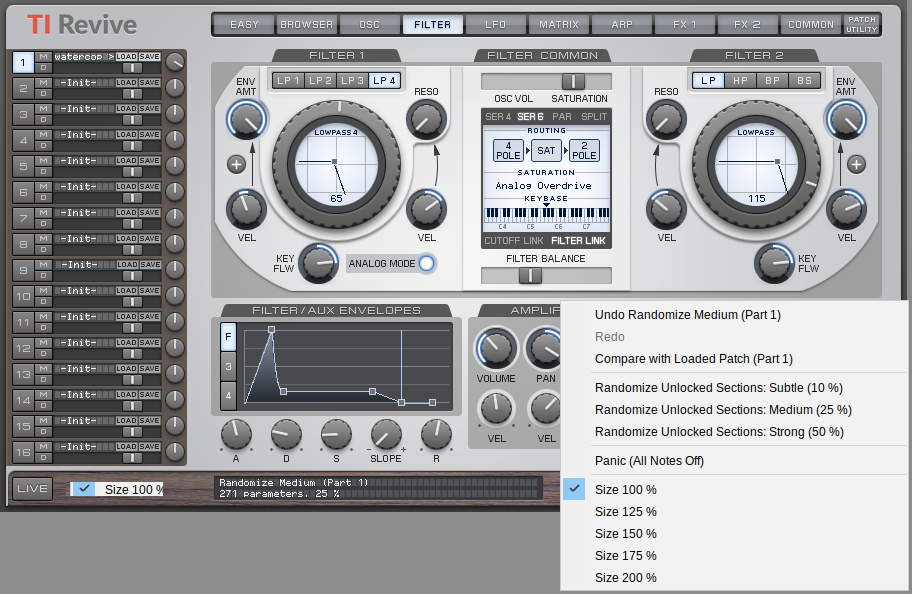
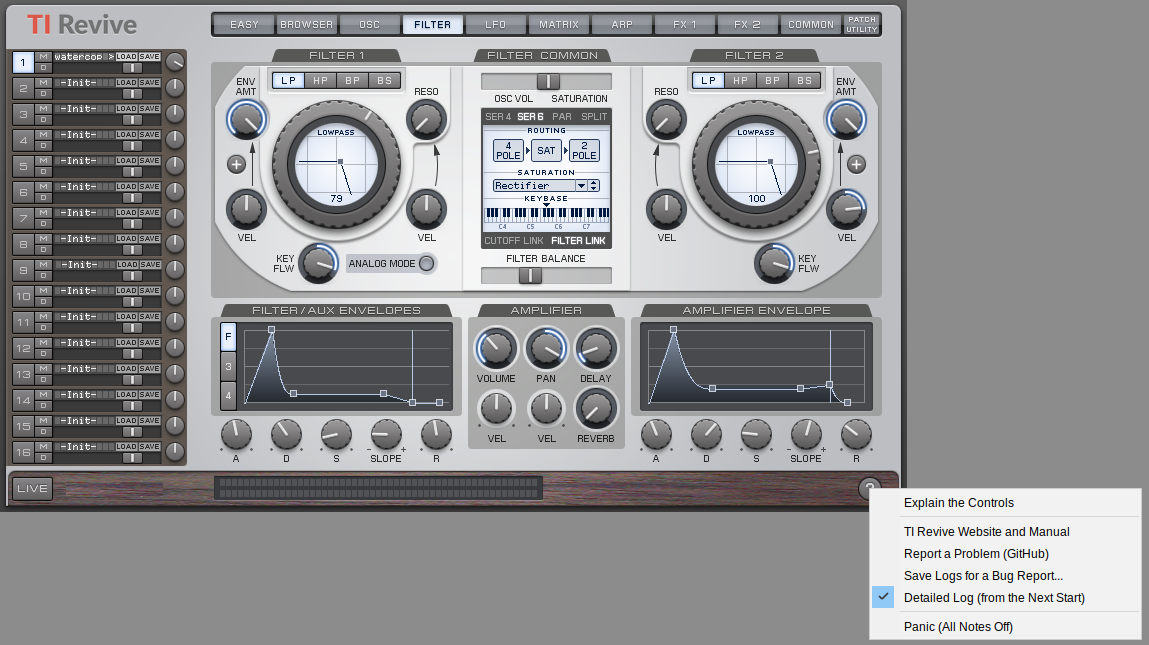
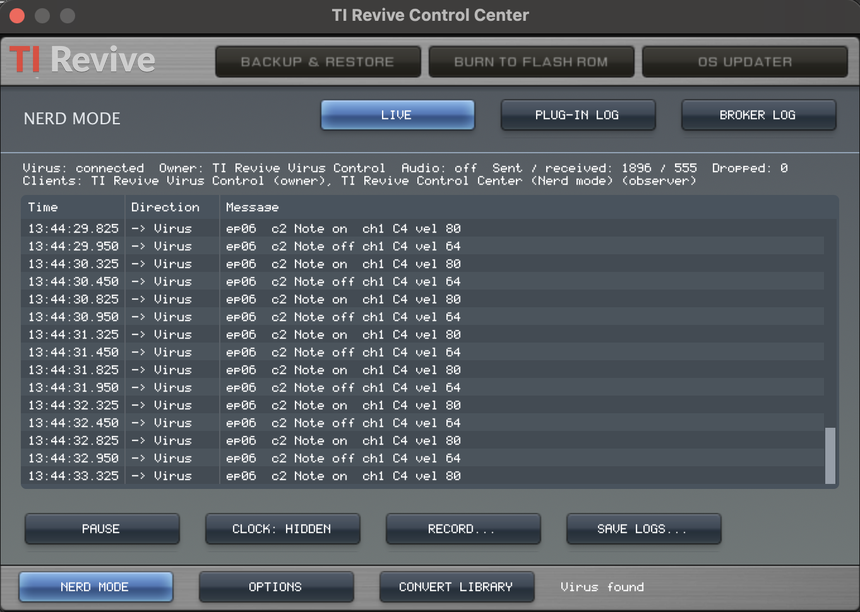
- Collect the logs. Easiest: open the TI Revive Control Center, switch on
Nerd mode and press the Save logs... button. You get the plug-in and broker logs in one file,
without your home folder or user name. Or by hand: take
diag.log from the plug-in's folder (the log is on
by default since 0.8.41; with 0.8.40 or older create an empty file diag.on there first and reproduce
the problem):
Windows%LOCALAPPDATA%\virus-ti-native
macOS~/Library/Application Support/virus-ti-native
Linux~/.local/share/virus-ti-native
- Open a bug report. The form asks
for your system, Virus model, the TI Revive and DAW versions, and what happened. Drag the log files into
it.
- Everything works? A test report
helps as much as a bug report, above all for the Snow, Polar and Keyboard, and DAWs we have not
tried.
You need a free GitHub account to post. Look through the logs before you attach them and remove
anything you consider private. Existing reports: all issues.